🤖 Bot Settings
You can change all settings while the bot is running. After modifying and saving, new parameters will be applied to all subsequent triggers. This allows you to quickly adjust the strategy according to current market conditions and react flexibly to changes.
When you click the Create Bot button you will be able to manually set all parameters.
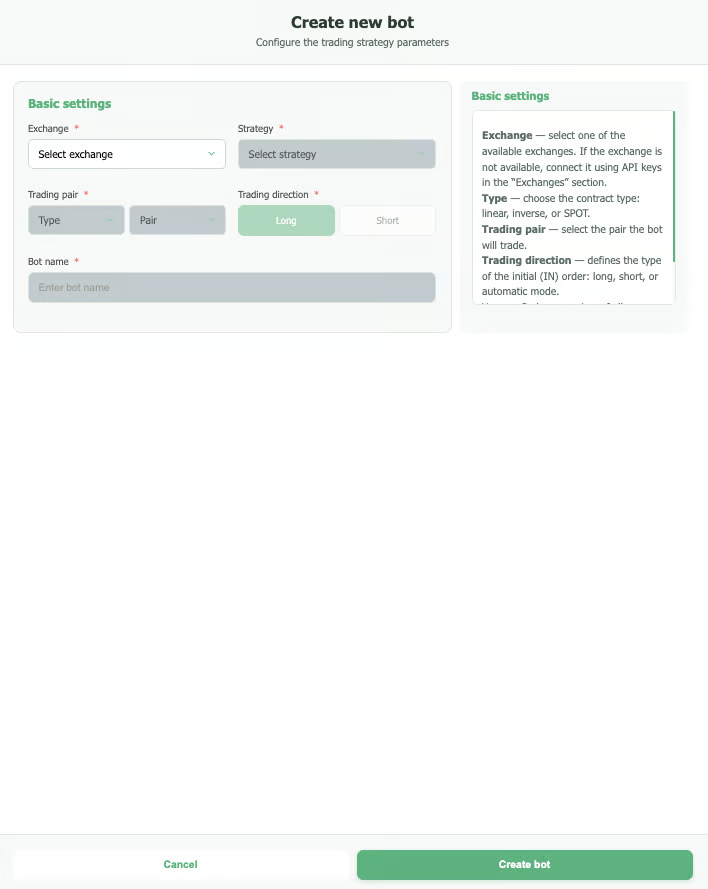
Clicking on the bot's name on the main page takes you to the settings menu, where you can modify its parameters.
To display the settings of an already created bot:
- Click on the empty white square to the left of the bot's name. A window with the current settings of the selected bot will appear at the very bottom of the page.
- If you select multiple bots for comparison, parameters that differ will be highlighted in red. This helps easily identify differences and simplifies the analysis of bot performance, especially during comparative tests.
If you want to ask a support question or discuss an issue in the community chats, be sure to attach a screenshot of the bot settings and statistics along with a detailed description of the problem.