Disable IN
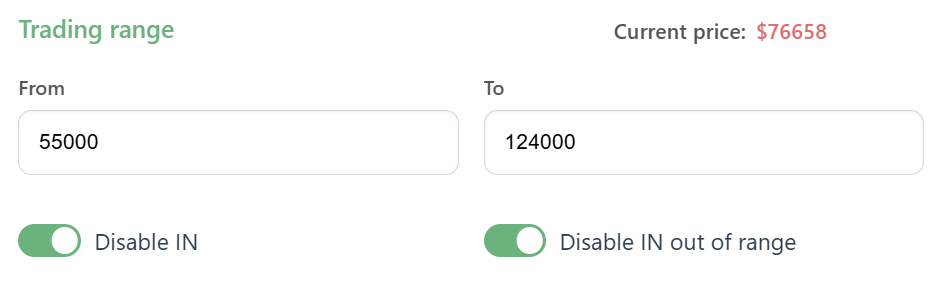
Disable IN is a mode that allows you to stop the creation of new IN orders while the bot continues to close already opened orders.
- When Disable IN mode is enabled, the bot stops creating new IN orders. This is useful if you want to keep the current position and wait for already opened orders to close without further position accumulation.
- The bot continues to process active triggers and, as a result, reduces the already opened position. This mode can be disabled at any time - after that, the bot will start building the position again by creating new IN orders on free grids.
This mode can be useful if you expect a strong market movement and want to pause further position accumulation while keeping the ability to close current orders.
Disable IN out of range
Disable IN out of range is a function that allows the bot to stop creating new IN orders if the asset price moves outside the defined price range.
- When Disable IN out of range mode is enabled, the bot stops creating new IN orders only after the asset price moves outside the range. Order trading range can be limited by the lower boundary From, the upper boundary To, or both.
- If the price returns to the range, the bot will not automatically resume creating IN orders. The bot will remain in Disable IN mode, which can only be disabled manually in the bot settings.
This function is designed to prevent the bot from building a position during sharp market movements or pullbacks, when the price returns to the range after a significant move. It can also be used when trading up to specific levels.