Auto Grid
Auto Grid bots are available for USDT Futures and COIN Futures. They can open IN orders in both directions — Long and Short.
During the initial setup, you select the direction only for the very first order to be opened.
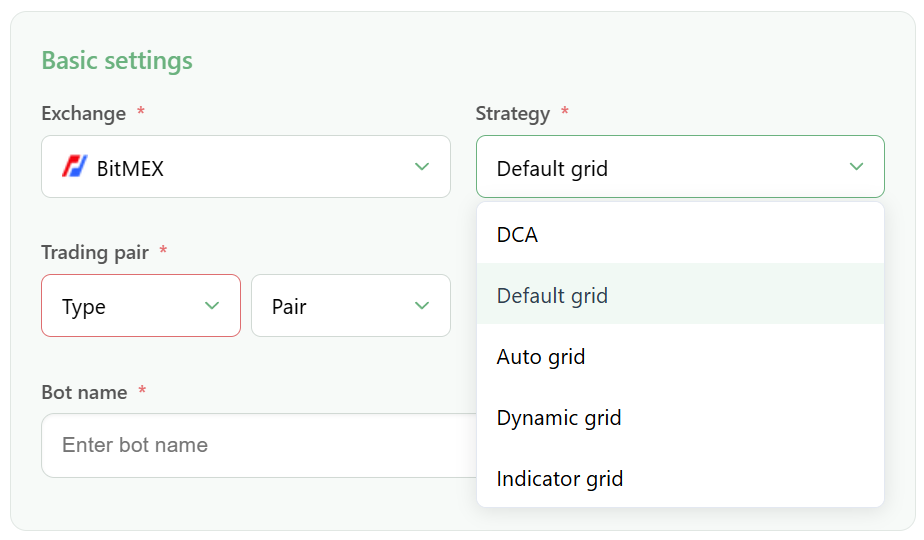
Types of Auto Grid Bots
Last Order PNL
Last Order PNL works according to two main rules:
1. Direction is determined based on the PNL of the previous order
- If the PNL of the previous opened IN order is positive, the bot will create a new IN order in the same direction as the previous one — Long or Short
- If the PNL is negative, the bot will open an order in the opposite direction
2. Opposite orders are restricted when there is an unclosed Out Stop
- The bot will not create orders in the opposite direction if there is an unclosed Out Stop
Last Order PNL Auto Grid video
Avg Price
The Avg Price bot determines the direction of opened orders based on the average position price (Average Price):
- When the current asset price is above the average price, the bot opens Long orders
- When the current asset price is below the average price, the bot opens Short orders
Avg Price Inverse
The Avg Price Inverse bot is also based on the average position price, but works in the opposite way:
- When the current asset price is above the average price, the bot opens Short orders
- When the current asset price is below the average price, the bot opens Long orders
Avg Price Inverse Auto Grid video
Specific Features and Recommendations
- The bot will build a position against the price movement, because price fluctuations always exist and may not be visible on higher timeframes. Make sure you understand the bot’s algorithm before launching it
- Auto Grid bots are considered more universal compared to Default Grid bots and can work well in sideways market conditions. However, it is important to understand that the bot may need a certain amount of time before it becomes profitable
- In the statistics of all Auto Grid bots, you can see the exact number of opened IN orders in both directions:
- First / Last L — information for Long orders
- First / Last S — information for Short orders
- While Auto Grid bots are running, the position on the exchange may switch between Long and Short, depending on the prevailing direction of opened IN orders
- If the Short and Long positions are equal, the position is zero and is not displayed on the exchange. However, it can still be viewed in GinArea statistics separately for each side
Required Account Settings
- Trading mode: One-way mode
- Margin: Cross Margin
- Leverage: configure it according to your risk management